CEO

What we keep hearing from businesses is that phishing attempts are often mistaken for regular emails—until someone clicks a link and it's too late. Many teams are surprised at how realistic phishing examples can look, especially when attackers impersonate trusted contacts or financial institutions.
"Phishing examples often look legitimate, making them hard to spot without training."
Industry research shows that over 80% of reported cyber incidents start with a phishing email. That means understanding real phishing examples is not just helpful—it's essential for protecting your business. Phishing scams can target anyone, and attackers use clever tactics to steal login credentials, personal information, or even install malware. Knowing what to look for and how to respond can help you avoid costly mistakes and keep your sensitive information safe.
Phishing examples are not just about strange emails with bad grammar. Attackers now use advanced techniques to make their messages look like they come from people you trust. These phishing attack examples can arrive as emails, text messages, or even phone calls, all designed to trick you into sharing sensitive information or clicking malicious links.
The main goal of a phishing scam is to get you to reveal something valuable—like your login credentials or financial details. Sometimes, attackers use spear phishing, which targets specific people or roles within a company. These messages are often personalized and can be very convincing. If someone falls for a phishing email, it can lead to unauthorized access, data loss, or even a full-scale cyber breach. That’s why it’s important to know how to identify phishing emails and teach your team what to watch for.
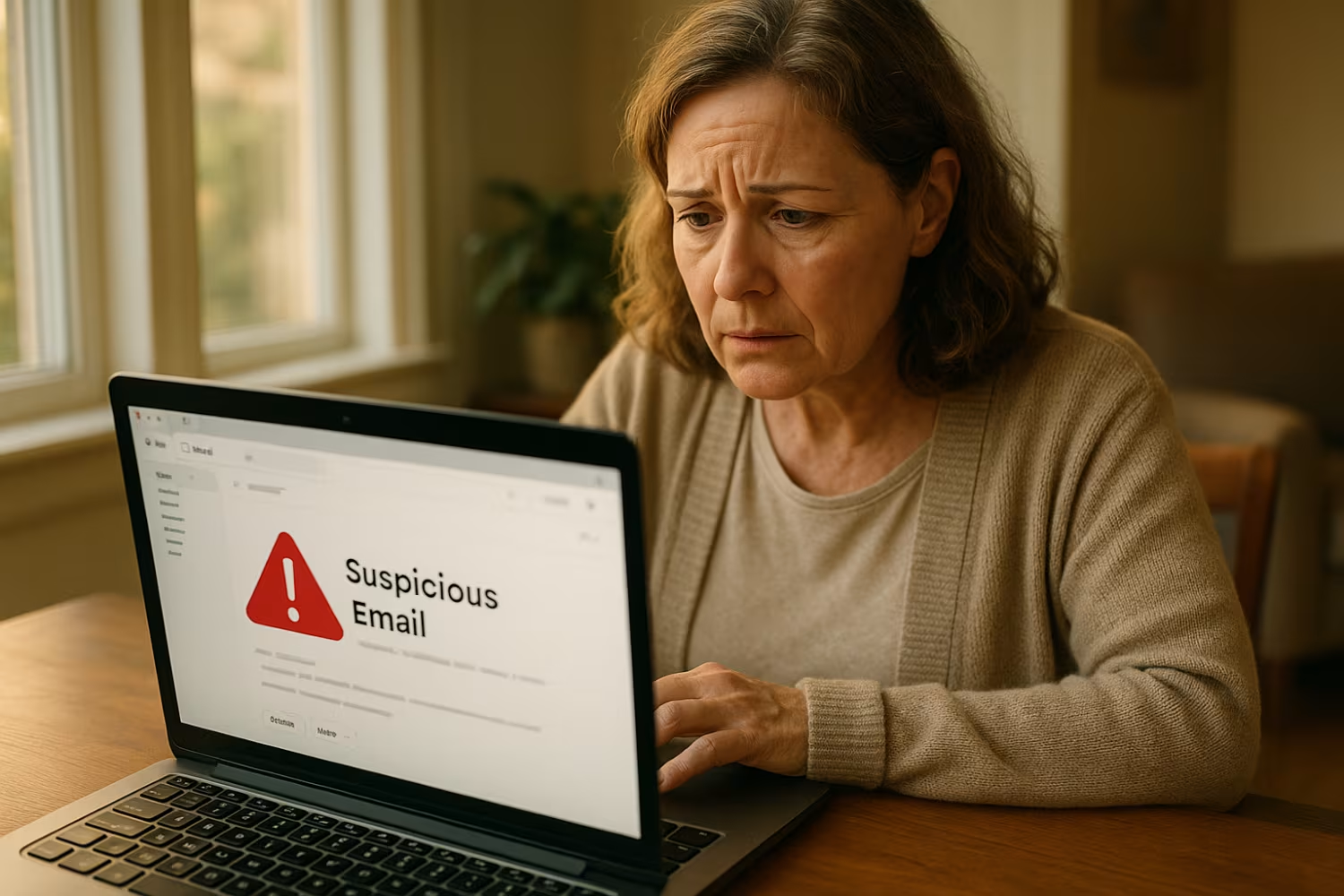
Attackers use a variety of tricks to make their phishing emails believable. Here are some of the most common tactics you should know about:
Phishing emails often create a sense of urgency, like saying your account will be closed unless you act now. This pressure makes you more likely to click a link or provide information without thinking it through. Always pause and double-check before responding to urgent requests, especially if they ask for personal or financial details.
Many phishing attack examples include links that look legitimate but actually lead to fake websites. These phishing websites are designed to steal your login credentials or install malware. Hover over any link before clicking to see where it really goes, and never enter sensitive information on a site you don’t recognize.
Attackers often impersonate coworkers, vendors, or even your boss. Just because an email appears to come from someone you know doesn’t mean it’s safe. Always verify unexpected requests, especially if they involve money or confidential information.
Phishing scams sometimes include attachments that contain malware. If you weren’t expecting a file, don’t open it—check with the sender first. Malicious attachments can infect your system and spread to others in your network.
If you spot a suspicious message, report phishing to your IT team right away. Quick reporting helps prevent others from falling for the same scam and allows your company to respond faster to potential threats.
Weak or reused passwords make it easier for attackers to access your accounts if they get your login information. Use strong, unique passwords for every account and consider a password manager to keep them secure.
Regular training helps everyone in your business recognize the latest phishing techniques. Make sure your team knows how to identify phishing emails and what steps to take if they see something suspicious.
A reliable phishing defense should include these key elements:
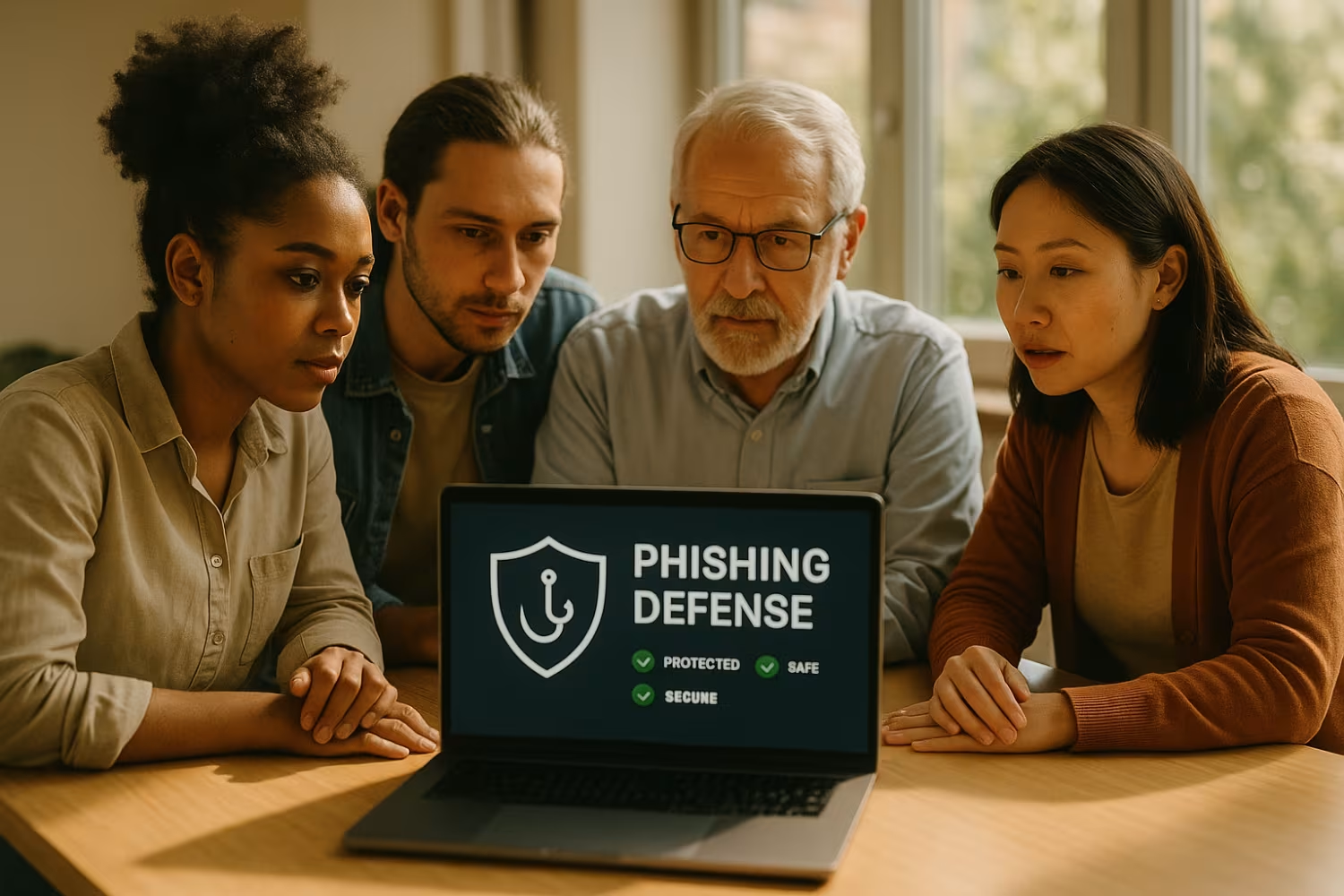
Seeing real phishing emails is one of the best ways to help your team recognize threats. When employees review actual phishing examples, they learn what to look for—like odd sender addresses, unexpected requests, or strange formatting. This kind of hands-on training makes it easier to spot suspicious messages before any damage is done.
Real phishing examples also show how attackers adapt their tactics. For example, some phishing scams now use text messages or social media to reach targets. By sharing current phishing attack examples with your team, you help everyone stay alert to new threats. This approach is especially important for businesses in areas like Thousand Oaks, Camarillo, Ventura, Simi Valley, Oxnard, Los Angeles, Canoga Park, Burbank, Encino, and Santa Clarita, where attackers may use local references to appear more convincing.
Spotting phishing emails is a skill that improves with practice. Here are some steps your team can follow to stay safe:
Look closely at the sender’s email address. Attackers often use addresses that are similar to real ones but have small differences. If something looks off, don’t trust the message.
Phishing emails often use greetings like “Dear Customer” instead of your actual name. This is a sign that the message could be part of a mass phishing attempt.
Before clicking any link or opening an attachment, hover over it to see where it leads. If the URL looks strange or doesn’t match the company’s website, it could be a phishing website.
Many phishing emails contain errors or awkward language. While not all scams have mistakes, it’s a common red flag.
Messages that pressure you to act quickly—like saying your account will be locked—are often phishing scams. Take a moment to verify before responding.
Legitimate companies rarely ask for sensitive information by email. If you’re asked for passwords, Social Security numbers, or payment details, double-check with the sender using a trusted method.
If you receive a suspicious message, report phishing to your IT department right away. Fast action helps protect your whole organization.

Preventing phishing attacks requires a mix of technology and training. Start by making sure your email systems have strong filtering to catch suspicious messages before they reach your inbox. Encourage everyone to use multi-factor authentication, which adds an extra layer of security even if someone’s login credentials are stolen.
Regular security training is another key step. Teach your team how to identify phishing emails and what to do if they spot one. Make it easy for employees to report phishing attempts, and review your company’s response plan regularly. By combining these steps, you can reduce the risk of a successful phishing attack and protect your business from costly scams.
Here are some best practices to keep your business safe from phishing threats:
Staying proactive with these steps helps your business stay ahead of evolving phishing techniques.
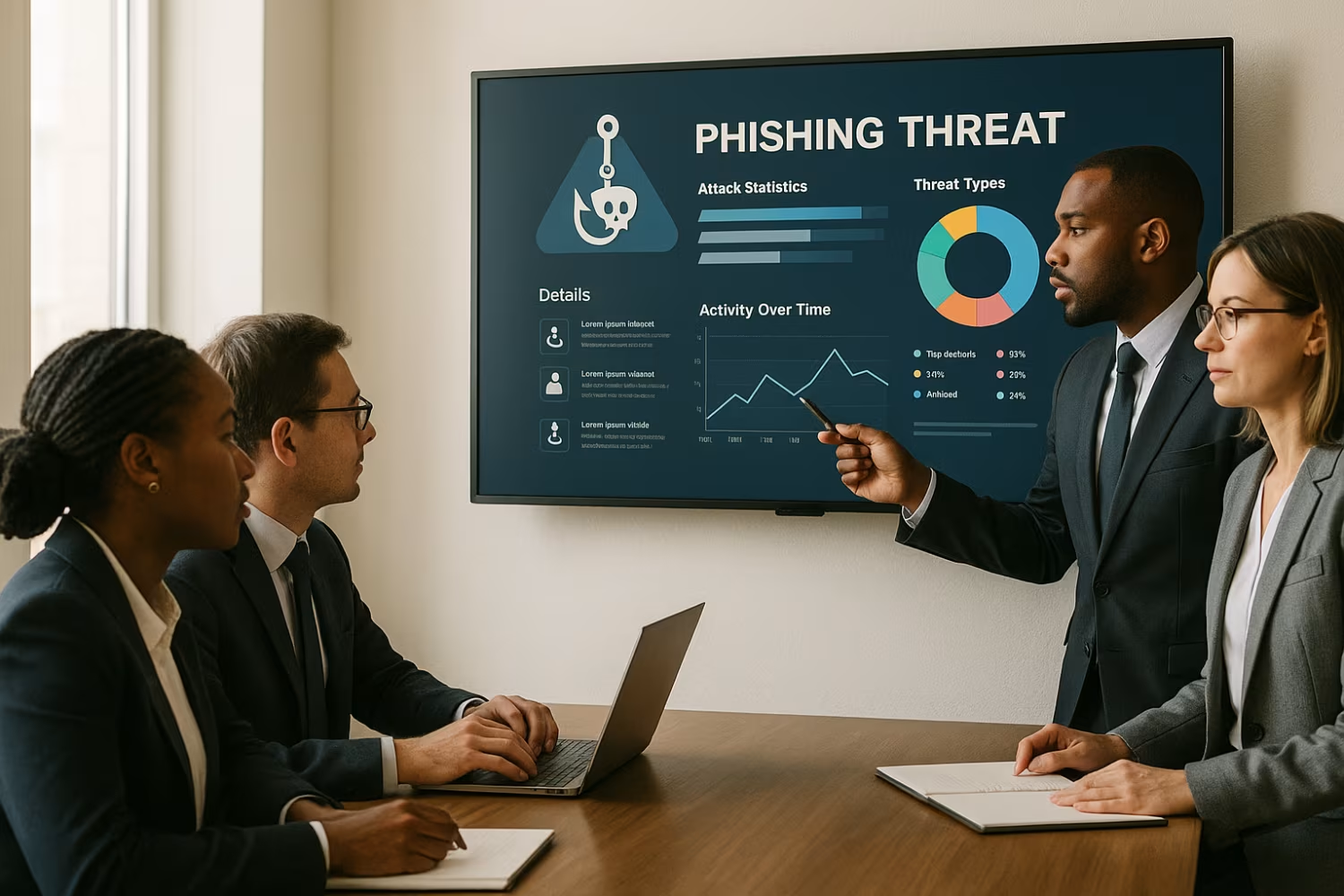
Are you a business with 15-70 users looking for reliable ways to protect your team from phishing scams? If your company is growing, keeping up with the latest phishing examples and threats can be a real challenge—especially when attackers are getting smarter every day.
At Rock Solid Technology Solutions, we help businesses like yours identify, prevent, and respond to phishing attacks. Our team provides hands-on training, advanced email filtering, and expert support so you can focus on your business without worrying about cyber threats. Contact us today to learn how we can help you stay secure.
Look for signs like unexpected requests, strange sender addresses, or urgent language. Phishing emails often try to impersonate trusted contacts or financial institutions, making them seem real. Always double-check the sender and avoid clicking links or downloading attachments unless you’re sure they’re safe.
If you’re unsure, report phishing attempts to your IT team. They can help you confirm if the message is legitimate and keep your business safe from scams and credential theft.
If you think you’ve clicked a malicious link or shared sensitive information, act fast. Change your login credentials right away and let your IT department know what happened. Quick action can help limit the damage and prevent further issues.
Your IT team may also scan your device for malware and check for unauthorized access. Reporting phishing attacks quickly helps protect your coworkers and your company’s data.
Phishing scams often use messages that look legitimate, like fake invoices or account alerts. They may ask you to confirm personal information or login details, hoping you won’t notice the warning signs.
Attackers use these tricks to steal sensitive information, which can lead to identity theft or financial loss. Always verify requests for personal or financial details before responding.
Reporting phishing emails helps your IT team spot new threats and protect others. Even if you didn’t fall for the scam, someone else might.
When you report phishing, your company can block similar messages and update security systems. This proactive step helps prevent phishing attacks from spreading in your organization.
Real phishing emails often copy the look and feel of messages from banks, vendors, or coworkers. They may use company logos and familiar language to trick you into trusting them.
To recognize real phishing emails, check for small differences in sender addresses, unexpected requests, or links that don’t match the company’s website. Training and experience make it easier to spot these scams.
Use strong email filters to block suspicious messages before they reach your inbox. Regular training helps employees recognize and avoid phishing attempts.
Also, encourage everyone to use unique passwords and enable multi-factor authentication. These steps make it harder for attackers to access your systems, even if they get someone’s login credentials.