CEO

Law firms that use SharePoint as just another shared drive often end up spending more time searching for documents than before. This hidden inefficiency quietly drains billable hours and slows client response, undermining the very benefits SharePoint was meant to deliver.
A law firm's file library only works as fast as the structure behind it lets it work, and that structure usually breaks down the same way: documents get dropped into nested folders instead of tagged with searchable details, so finding anything again means remembering exactly where it was filed rather than what it was.
That single habit decides whether SharePoint document management ends up faster than a shared drive or just a fancier version of the same mess.
SharePoint was built to do more than store files in folders. Search, metadata, and version control are the features that let a person find what they need in seconds rather than minutes, and skipping them means skipping the entire reason the platform exists.
Many law firms in California make the move to SharePoint expecting exactly that kind of improvement. But when old filing habits carry over unchanged, the system's folders multiply the same way the old shared drive's did, and the problems the firm meant to leave behind resurface in a new interface.
The real gap, then, isn't between one piece of software and another — it's between a shared drive and a true document management system, and that gap is closed by how the tool gets used, not by the migration itself. Seeing that gap clearly is the first step toward getting any return on the investment.

Most law firms expect SharePoint to end their document chaos. Instead, when it's used just like a network folder, something counterintuitive happens: people spend even more time hunting for files than they did before.
That slowdown traces back to the folders themselves, which tangle into the same deep, inconsistent trees a shared drive produces once enough people save things their own way. Relying on folders alone means the advanced search and filtering tools sit unused, so staff click through layer after layer, hoping to remember where a document landed months earlier.
The real cost isn't the frustration itself — it's the quiet loss of time that could have gone toward billable work. Multiplied across weeks and months, these small delays chip away at both revenue and client satisfaction, and in a law firm, where every minute is tracked, that's a risk that stays invisible until it's already expensive.
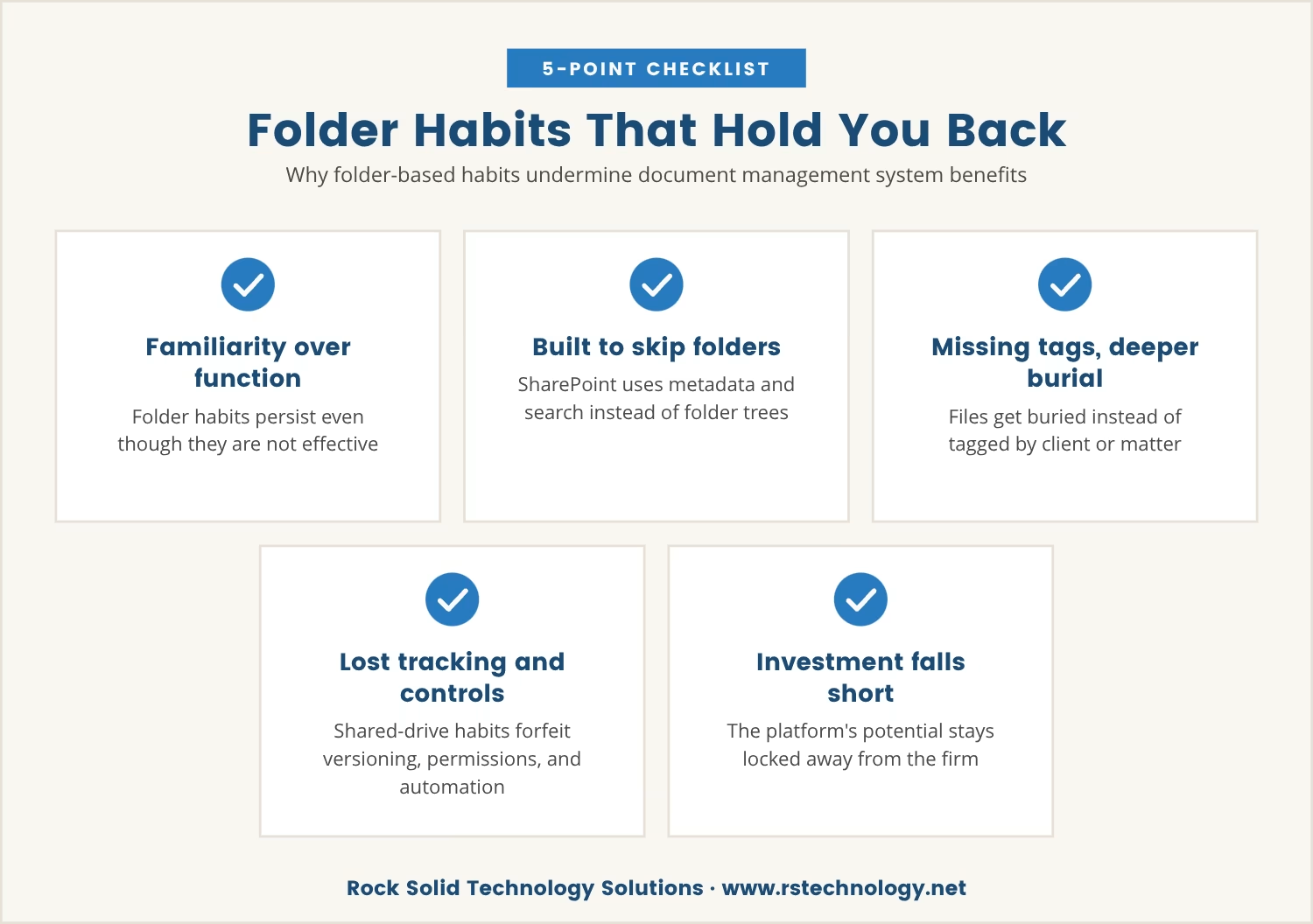
Folder-based organization feels familiar, which is exactly why it persists, but familiarity is not what makes a document management system for law firms effective. SharePoint was built to move past folders entirely, using metadata and search to surface documents in seconds.
Teams that stick to old habits give up that advantage without realizing it. Rather than tagging documents with details like client name, matter number, or document type, they bury files deeper into folder trees, which makes filtering, searching, or grouping by anything that actually matters to the work far harder than it needs to be.
A document management system is only as strong as the practices behind it, so using SharePoint like a shared drive forfeits version tracking, simple permission control, and automated workflows all at once. The platform's potential stays locked away, and the firm's investment delivers a fraction of its return.
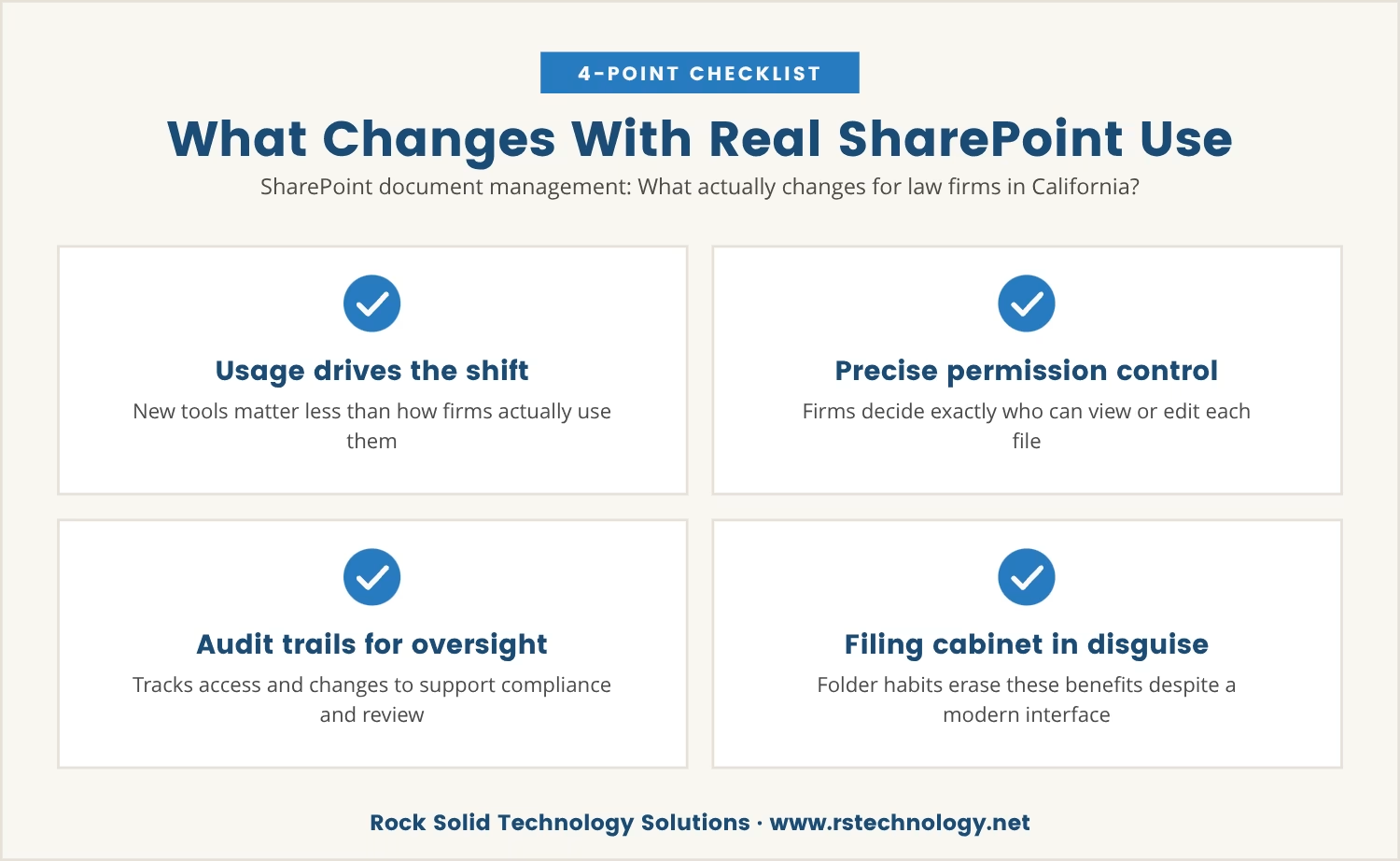
Switching to SharePoint brings new tools, but the real shift comes from how those tools get used. California law firms face strict requirements around data security and client confidentiality, and SharePoint offers features built to meet exactly those needs — provided the firm moves past basic file storage.
Permission settings, for instance, let a firm control precisely who can see or edit each document, which matters enormously for sensitive legal files. Audit trails go a step further, recording who accessed or changed a document and supporting both compliance and internal review.
Yet these benefits only surface when SharePoint is run as a true document management system rather than a digital filing cabinet. A team still digging through folders isn't using what the platform offers, no matter how modern the interface looks, and the result is a system that appears upgraded while behaving exactly like the one it replaced.
Search and metadata are what separate SharePoint from a basic shared drive. Here's how each one changes the way documents get managed day to day:
Tagging documents with client names, matter numbers, or document types lets staff filter and sort in seconds, without digging through a single folder.
SharePoint's search scans both content and metadata, so a file turns up even when no one remembers its exact folder or filename.
Version control keeps the latest document clearly marked while older versions stay on record for reference, cutting the risk of anyone working from an outdated copy.
Setting permissions at the document or folder level ensures only the right people can reach confidential information.
Because SharePoint logs who views, edits, or deletes each document, meeting legal and regulatory requirements takes far less manual effort.
Automated workflows handle approvals, reviews, and notifications on their own, saving time and cutting down on manual error.
Getting real value from SharePoint starts with changing how the team works with documents day to day. Training staff on metadata and search in place of folder-browsing comes first — showing them how to tag documents with key details, and why that tagging pays off the next time someone needs to find the file.
From there, document libraries need clear naming conventions and required metadata fields, so every document stays easy to find regardless of who saved it. Encouraging staff to reach for the search bar and filters instead of clicking through folders reinforces the same shift.
Permission settings deserve regular review on top of that, so only the right people retain access to sensitive files, using SharePoint's built-in tools to manage those settings without extra overhead. Sustained over time, these habits save the team hours and cut down on costly mistakes.
When a team spends too much time searching for documents, the damage reaches further than lost productivity alone. Billable hours slip away quietly, clients notice the slower response times that follow, and over months this combination wears down both a firm's reputation and its bottom line.
SharePoint was built to prevent exactly this, but only when its full capability gets used. Treating it like a shared drive means forfeiting the very features meant to protect both time and client relationships.
Recognizing these patterns in a firm's own day-to-day work is usually the first sign it's time to rethink how SharePoint gets used. Is the platform delivering the value it promised, or are old habits still setting the pace?

Many law firms with 15 to 70 users find themselves stuck in old habits after moving to SharePoint, missing out on the features they paid for. At Rock Solid Technology Solutions, we understand how easily time and client trust can slip away when document management isn’t working as it should.
If you want to see how we approach document management for law firms—or just want a conversation about your own setup—we’re ready to help.
Switch to Rock Solid Technology Solutions with no long-term commitment—if we stop delivering, you can leave anytime.
Explaining the benefit in plain terms works best: metadata makes documents far easier to find as the library grows. Short, hands-on training sessions showing how to tag documents and use filters help the habit take hold, especially once metadata fields become required for new documents and staff start seeing how much faster their own searches become.
A SharePoint document library goes beyond a folder by storing, organizing, and managing files with version control, metadata, and permissions built in. Libraries also allow filtering and searching across all documents at once rather than within a single folder, which makes locating any given file considerably easier.
Permission settings control who can access sensitive documents, audit trails track who views or edits files, and version control preserves a record of every change. Together these features help a firm meet legal and regulatory requirements without adding manual work.
Yes — version control keeps a record of every change made to a document, including who edited it and what was altered, with the option to restore earlier versions when needed. That level of tracking matters especially in legal work, where a clear history of edits is essential.
Yes. Automated workflows handle approvals and reviews with fewer manual steps while keeping documents secure, and metadata combined with search makes documents easier to find without loosening control over who can access them.

Dan Gross brings nearly 30 years of experience in technology integration, IT support, and cybersecurity. As the leader of Rock Solid Technology, he helps businesses leverage technology to improve operations, strengthen security, and solve complex IT challenges. He is also a sought-after IT conference speaker, sharing insights on technology, leadership, and business.