CEO
A server room’s reliability depends on five overlapping systems—if just one is missing, the others can’t fully protect your business. Overlooking a single system can undo the benefits of all the rest.
Most people picture a server room as a straightforward storage space for hardware, but the reality is more demanding: it's a web of dependent systems, and the assumption that good equipment alone keeps things running is where plans quietly fall apart.
Each piece, from temperature control to cable routing, depends on the others holding up their end. A server room functions as a carefully controlled environment rather than a simple storage space, and that distinction is what separates a resilient setup from one waiting to fail.
Because of that interdependence, overlooking a single support system puts every other investment at risk, no matter how carefully the rest was planned.
Many small businesses in California build their own server rooms, confident that good equipment will carry them through. Yet even a well-equipped space fails if one core system is missing or neglected, which is why the real challenge isn't building a server room at all—it's making every piece work with the others to prevent downtime and data loss.
Every server generates heat, and adding more hardware only adds more of it. Without proper cooling systems, that heat accumulates fast, and once it does, it threatens both hardware and data—even a short spike in temperature can slow equipment down, shut it off, or destroy it outright.
Cooling, though, is not simply about keeping a room chilly. It depends just as much on controlling airflow so hot air never pools around the servers, since poor airflow creates hot spots where some devices overheat while others nearby stay perfectly safe. That's why sound server room design accounts for cooling and airflow together from the very first layout decision.
The stakes rise further in California, where summer temperatures climb high enough to turn a minor lapse into a major failure. Air conditioning units, backup fans, and temperature sensors are meant to work as a single system, which means if any one part fails, the rest can't absorb the strain for long.
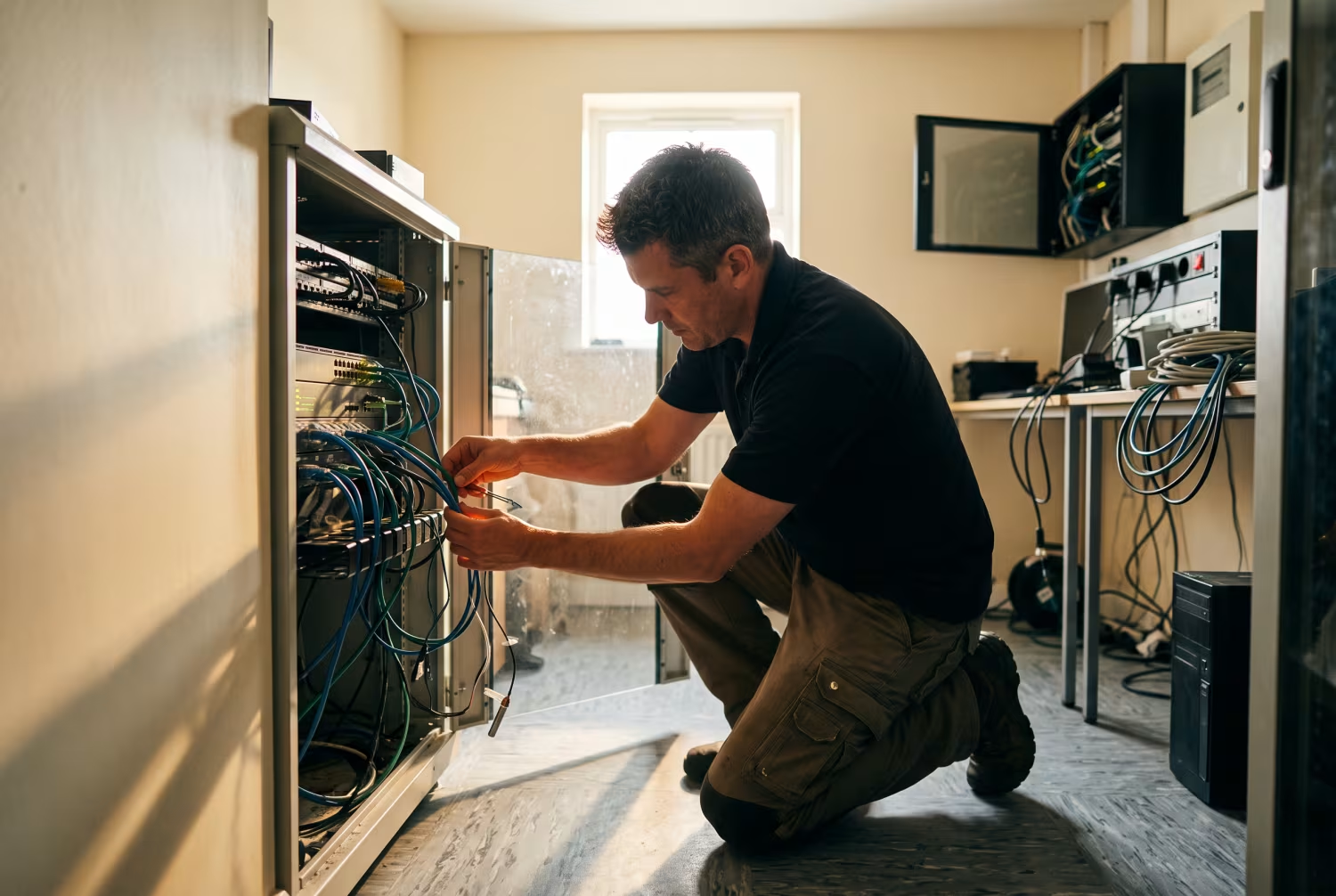
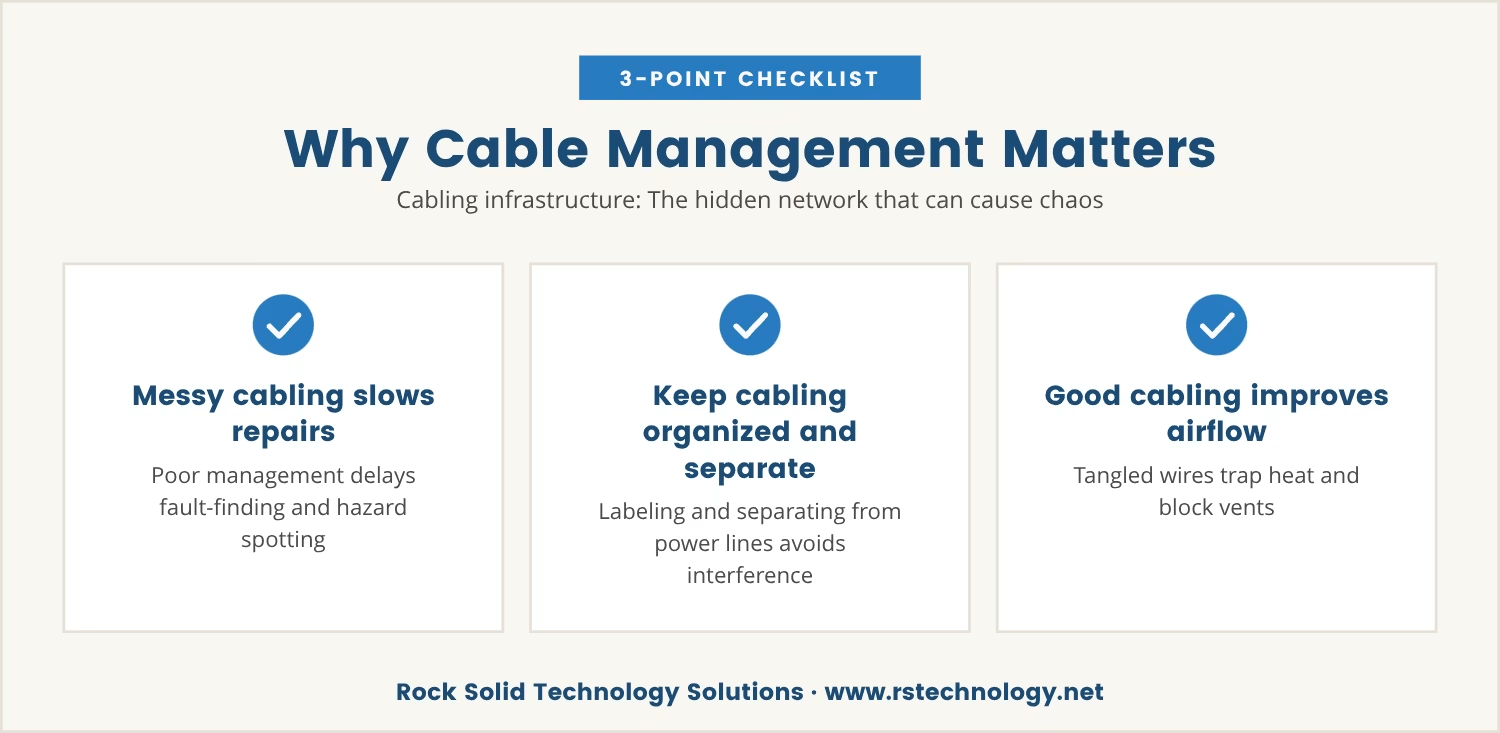
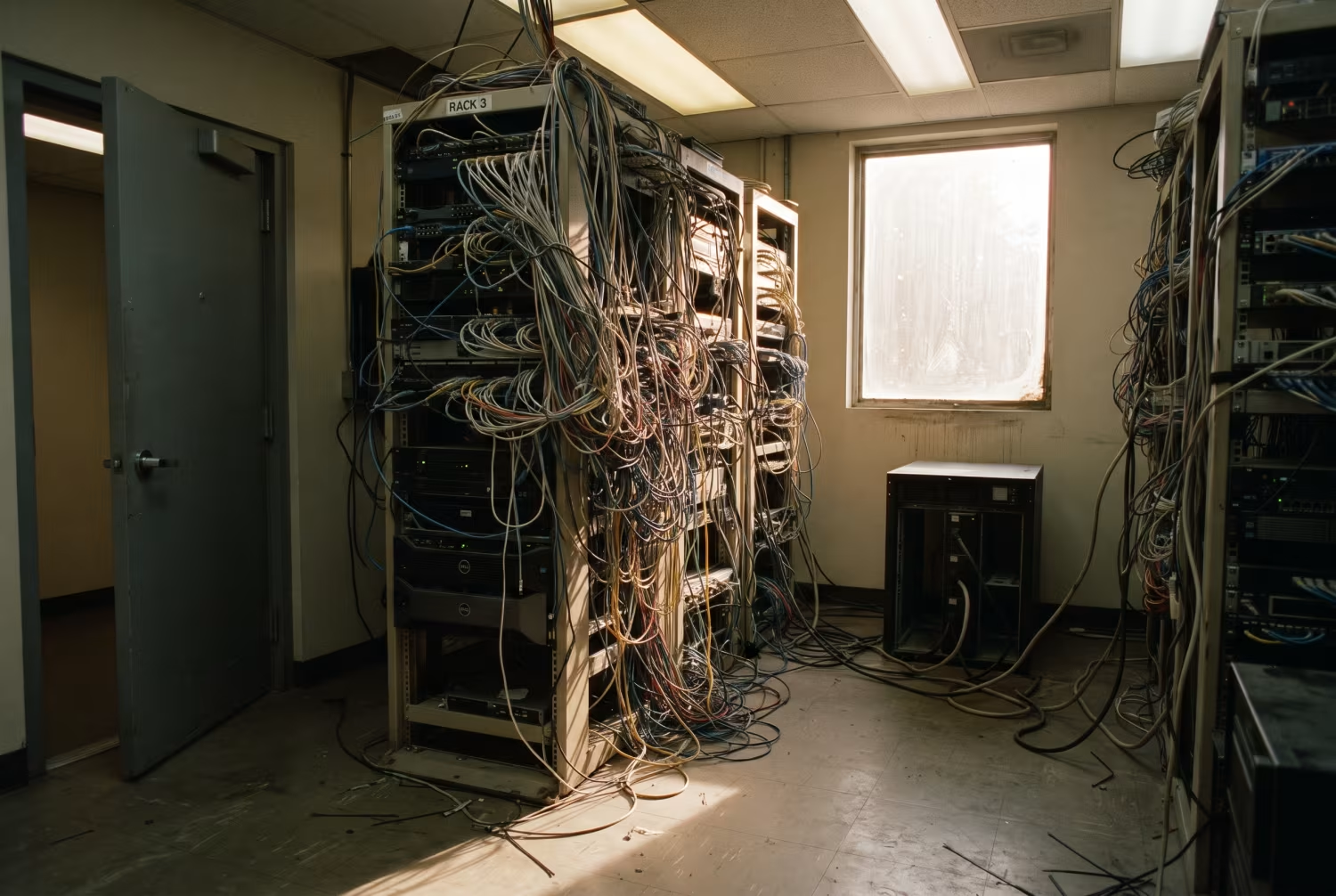
A tangle of cables might look harmless, but messy cabling creates problems that surface at the worst possible time. When cables are poorly managed, finding a fault, replacing hardware, or spotting a fire hazard all take longer than they should, whereas good cable management makes connections easy to trace and lowers the odds of an accidental unplug or snag.
Network cabling needs to stay organized, labeled, and separated from power lines to avoid interference, and when a network issue does turn up, that same organization is what saves time instead of costing it. It pays off in airflow too, since blocked vents and tangled wires trap heat exactly where it shouldn't collect.
Consider the current setup: would a faulty cable be easy to find and swap, or would it mean digging through a snarl of wires first? Clean cabling isn't about appearances—it's a core part of keeping a server room efficient and safe.
Five systems make a server room function: cooling, cabling, power redundancy, fire suppression, and access control. None of them substitutes for another, since each one covers a risk the rest can't fully handle alone. Here's how they fit together:
Servers generate a lot of heat, and without active cooling, temperatures climb to dangerous levels fast. Cooling systems have to be sized correctly for the equipment they serve and checked on a regular schedule.
Properly managed cables cut the risk of accidental disconnections and make troubleshooting faster. Good cable management also improves airflow and overall safety.
Uninterruptible power supplies (UPS) and backup generators keep servers running through power failures. Without that redundancy, a single outage can take everything down at once.
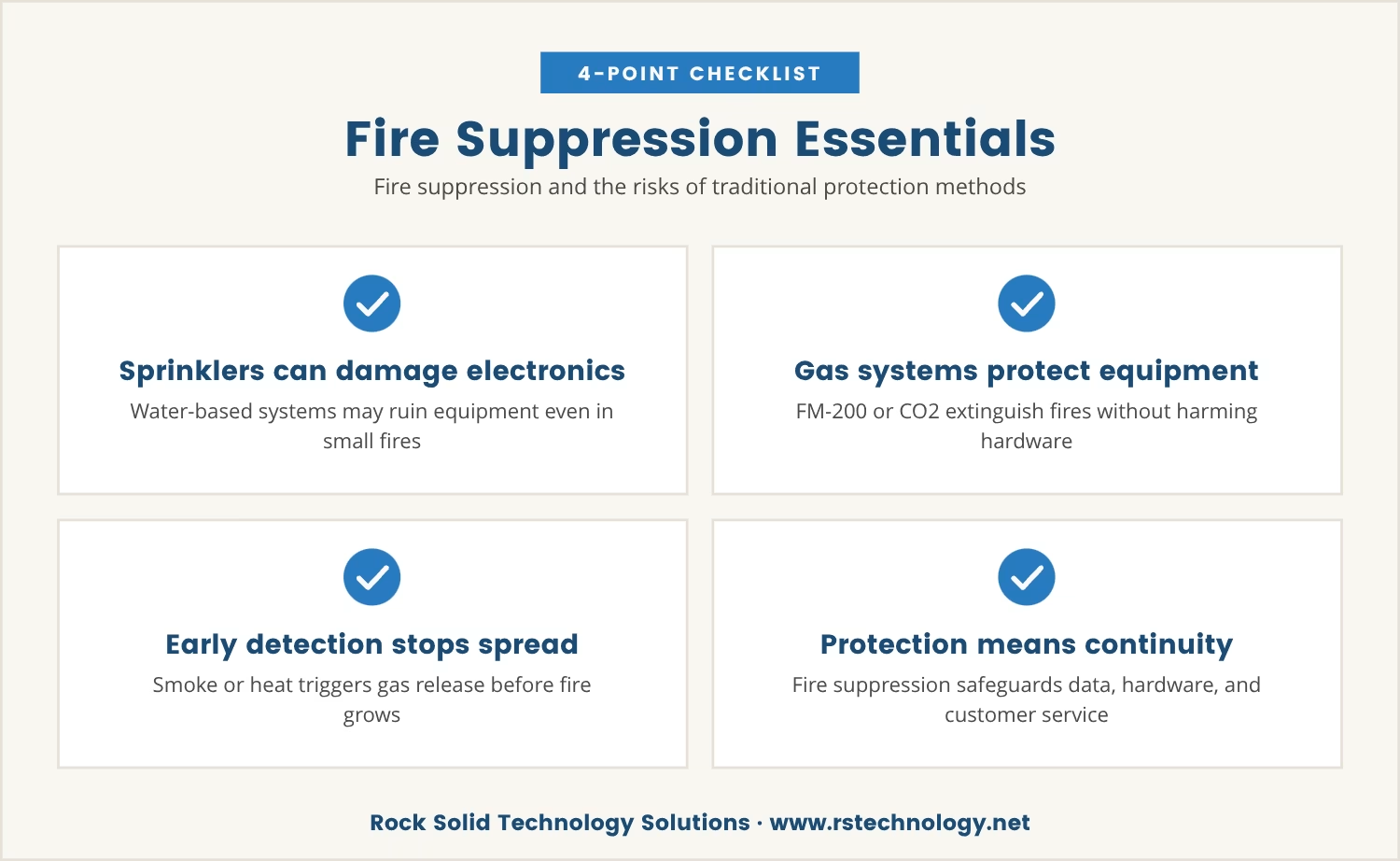
Traditional sprinklers can ruin electronics even when the fire itself is minor. Specialized fire suppression systems, like gas-based solutions, protect equipment without causing water damage.
Physical security keeps unauthorized people out of the server room. Access control systems log who enters and when, cutting the risk of theft or tampering.
Skip any one of these five, and the remaining four can't fully protect the business on their own. Overlapping coverage, not any single strong system, is what makes a server room genuinely reliable.
Power outages rarely announce themselves ahead of time, which is exactly why power redundancy functions as a requirement for continuity rather than an optional backup. Uninterruptible power supplies (UPS) kick in the instant main power fails, giving servers the window to shut down safely or keep running until power returns.
Generators extend that protection through longer outages, but only if they're tested and maintained on a regular basis—a backup system that fails at the moment it's needed leaves the rest of the setup with nothing to fall back on.
Redundancy also means giving power more than one path to reach the equipment. Dual power supplies and separate circuits ensure a single failure doesn't take everything offline at once, which matters most for small business server rooms that have little room to absorb unexpected downtime.
Fire is a rare threat in a server room, but a serious one. Many buildings still rely on water-based sprinklers, and that choice can destroy electronics even when the fire itself stays small, which is why most data centers turn to specialized fire suppression systems instead.
Gas-based suppression systems, like FM-200 or CO2, put out fires without damaging sensitive equipment. They detect smoke or heat early and release gas to stop the fire before it spreads, and while they cost more than traditional sprinklers, that expense is modest next to the cost of replacing an entire room's worth of hardware.
Fire protection, in the end, is about business continuity as much as equipment. A single fire can wipe out data, hardware, and the ability to serve customers in one stroke, so overlapping fire suppression with the other safety systems is what keeps a small spark from turning into a major loss.
Access control gets overlooked often, yet it's essential for protecting data and equipment alike. Unauthorized access opens the door to theft, tampering, or accidental damage, and in California, privacy regulations and industry standards raise the stakes on physical security even further.
Modern access control systems rely on keycards, biometric scanners, or PIN codes to track who enters the server room, while logging that activity so the record shows exactly who was present if something goes wrong. That record protects the business directly and also supports compliance and insurance requirements.
Physical security does its best work when it overlaps with the other systems in the room. If someone tries to get in during a power outage, for instance, backup power and access control both need to keep functioning—because overlapping these protections is what closes the gaps a single system leaves open.
Each system in a server room covers a specific risk, and none covers all of them. Skip fire suppression, and a small electrical fault can destroy the equipment; skip power redundancy, and a blackout can erase the data; skip access control, and the room sits open to theft or sabotage.
Even the best cooling or cabling setup can't compensate for a missing backup or security system, which means that once one system fails, the others are left exposed with nothing covering the gap. That's why focusing on one or two areas was never enough—all five have to work together.
The most reliable server rooms are built on overlapping systems, not isolated fixes, and overlooking even one of them can undo the reliability built everywhere else.
Catching these signs early heads off the bigger problems that follow.
Many businesses with 15 to 70 users find it challenging to keep every part of their server room working together—especially when growth or changes put extra stress on the setup. At Rock Solid Technology Solutions, we understand how one overlooked detail can threaten your entire operation.
We invite you to see how we approach overlapping systems for reliability, or to start a conversation about your own server room’s strengths and gaps.
Try our services with no long-term commitment—leave anytime we stop delivering, so you only stay if you’re satisfied.
A strong design allows for easy expansion, organized cabling, and room for future equipment, with cooling and power systems sized to handle additional servers as the business grows. Planning for that growth up front avoids costly upgrades later.
Labeled cable trays, color-coded cables, and secure fasteners keep everything organized, while separating network and power cables reduces interference. Leaving enough slack for maintenance, without letting that slack turn into tangles, saves time and lowers the risk of accidental disconnections.
Servers, switches, and other electronics all produce heat as they operate, and packing multiple devices into a confined area lets that heat build up quickly. Without proper cooling and airflow, temperatures can climb to levels that damage hardware or trigger shutdowns.
Monitoring devices track temperature, humidity, power usage, and even unauthorized access, flagging problems before they turn serious so action can happen quickly. These tools are essential for maintaining operational efficiency and preventing downtime.
Anyone entering a server room without permission can disrupt its systems, whether by accident or intent—unplugging equipment, stealing data, or damaging hardware are all on the table. Access control systems ensure only trusted staff can reach sensitive equipment, protecting the business from interruptions no one saw coming.

Dan Gross brings nearly 30 years of experience in technology integration, IT support, and cybersecurity. As the leader of Rock Solid Technology, he helps businesses leverage technology to improve operations, strengthen security, and solve complex IT challenges. He is also a sought-after IT conference speaker, sharing insights on technology, leadership, and business.