CEO
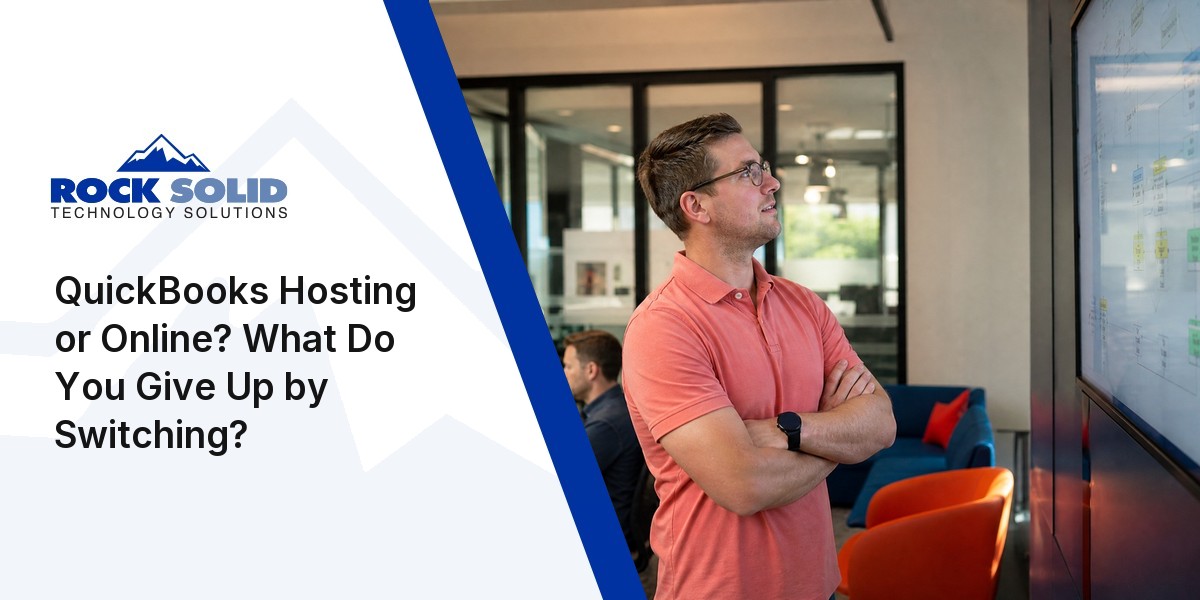
Switching to QuickBooks Online can mean giving up the deep reporting and custom workflows your team depends on. Hosted QuickBooks desktop lets you modernize without losing the features that keep your business running smoothly.
Picture a 40-person finance team that has spent years building custom reports, automated entries, and multi-step approval chains in QuickBooks desktop. A switch to the cloud now threatens to unravel all of it. QuickBooks hosting promises a way out, though the real story behind that promise is more nuanced than it first appears.
Many businesses discover that moving to QuickBooks Online changes more than just where their data lives — it can quietly reshape how the whole team works.
A hosted QuickBooks Desktop setup sidesteps that risk: it keeps familiar workflows intact while adding remote access and security on top. The team keeps the features and reports it already relies on, even as the business itself moves into a cloud environment.
That continuity matters most for companies with complex reporting needs or custom workflows, where the choice between QuickBooks Online and a hosted desktop version stops being about convenience and becomes a question of preserving the depth daily operations actually require.
Because that difference rarely shows itself until migration is already underway, it pays to understand upfront how each option touches core business processes — otherwise the surprises arrive at the worst possible time, mid-transition, when reversing course is expensive.

Changing accounting software is easy to picture as a straightforward upgrade: easier access, a few new features, a cleaner interface. The real test, though, arrives when daily routines break — for teams in California and anywhere else, even small shifts in how data gets entered, or reports get run, can ripple through an entire operation.
That's because a workflow isn't a checklist; it's the mechanism by which the business actually functions. Staff who customize reports, automate entries, or manage multi-step approvals are relying on dozens of small, specific habits, and hosted QuickBooks Desktop lets nearly all of them survive the move untouched. QuickBooks Online, by contrast, often forces a rebuild of those same processes from the ground up.
That gap widens as the team grows. More people depending on one system means even a minor adjustment can stall productivity or spark confusion across departments, which is exactly why many growing businesses stick with hosted desktop versions rather than risk that disruption.
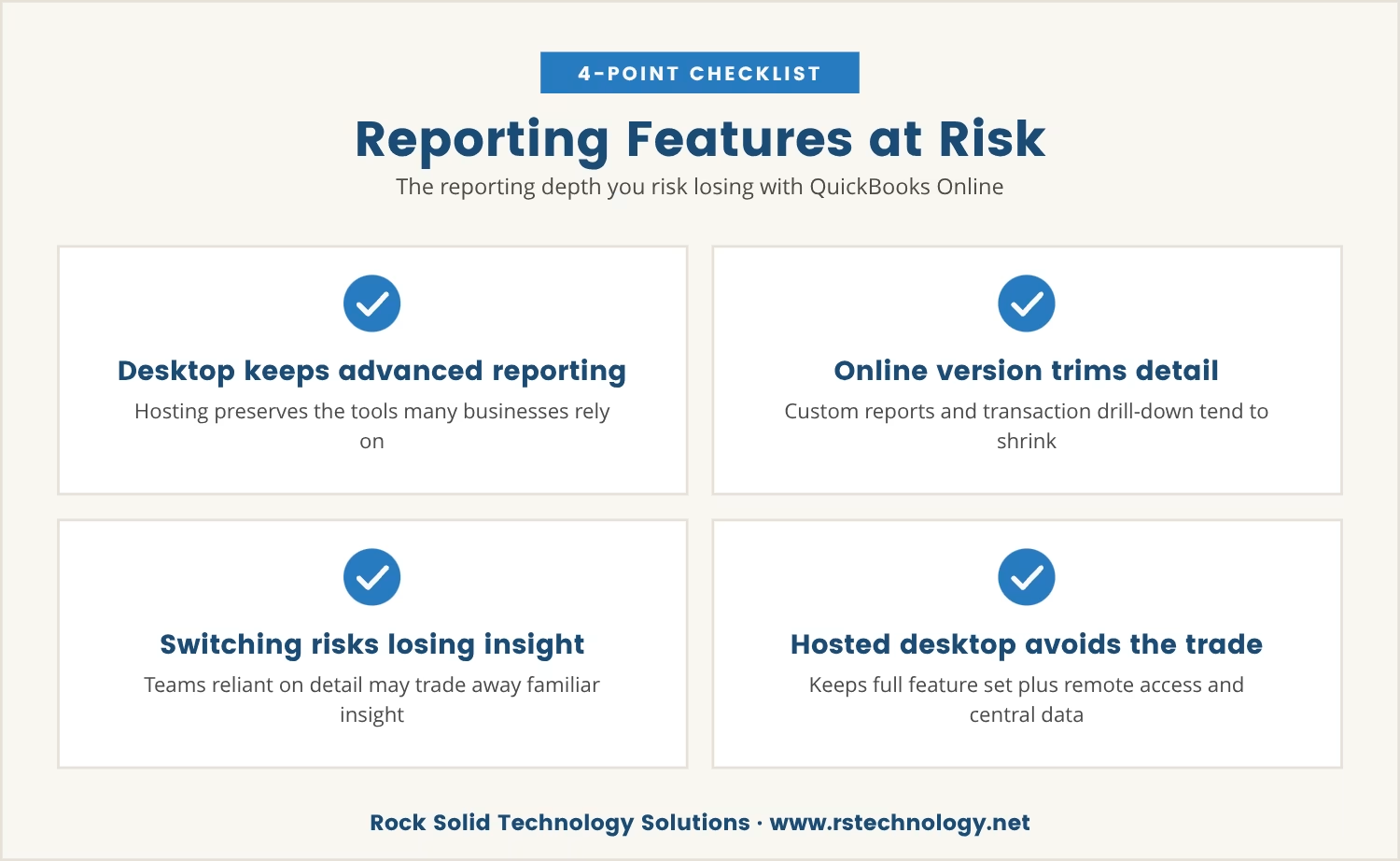
QuickBooks Online is built around accessibility and simplicity, and that design choice carries a trade-off. The clearest one shows up in reporting: the desktop version of QuickBooks, once hosted, keeps advanced reporting tools intact — the same ones many businesses lean on to track performance, analyze trends, and satisfy compliance requirements.
Custom reports, detailed filters, and the ability to drill into individual transactions are exactly the features that tend to shrink or disappear in the online version. So for a team that depends on that level of detail, moving to QuickBooks Online can mean trading away insight the business has come to count on.
Hosted QuickBooks avoids that trade entirely, preserving the full desktop feature set while still delivering remote access and centralized data — depth and convenience together, rather than one at the cost of the other.
Customizations are often what make QuickBooks genuinely useful day to day, and hosted QuickBooks protects that investment by carrying those tailored setups straight into the cloud. Here's what stays in place:
Most tools built for QuickBooks Desktop — payroll, inventory, CRM — keep functioning in a hosted setup without rebuilt connections or replacement apps.
Specialized reports and templates stay exactly where they were, since hosted environments run the same reporting tools as the desktop version.
Complex permission structures move across intact, so access never needs reassigning, and no security gaps open up.
The desktop look and feel carries over unchanged, so staff never have to relearn menus or routines.
Automated processes and macros built in the desktop version keep running the same way in a hosted environment.
Charts of accounts, classes, and custom fields all stay as they are, which cuts the risk of data loss or confusion during the move.
Accounting complexity tends to grow right alongside headcount, and hosted QuickBooks Desktop is built to absorb that growth without forcing a change in how the team already works.
Adding a new team member becomes a simple step rather than a project, since everyone reaches the same data and features regardless of location — a real advantage for teams split across offices or working remotely.
QuickBooks Online sometimes trims advanced features as user counts climb; hosted desktop versions don't, keeping the full toolset available and holding productivity and consistency steady as the business expands.
Hosted QuickBooks Desktop does more than preserve workflow — it also tightens data protection in ways a local-only setup usually can't match. Several mechanisms do that work:
Cloud hosting opens the door to national reach, yet for businesses in California, local support still carries real weight — when regulations shift or a problem needs fast attention, a provider who understands the region can be the difference between a quick fix and a prolonged one.
California businesses, for instance, often face specific data privacy requirements or tax rules that shape how QuickBooks gets used day to day. A hosting provider familiar with that landscape helps keep the business compliant and sidesteps mistakes that get expensive fast.
That local knowledge only grows more valuable as the team expands and the accounting setup underneath it grows more complex.
Treating QuickBooks Online as the obvious next step for a growing business is tempting, but for many teams the real cost hides in lost features and broken workflows. Hosted QuickBooks desktop offers a quieter path: modernizing the infrastructure without starting the workflow over from zero.
Keeping existing processes, reports, and customizations in place protects the team's productivity and skips the learning curve a brand-new system would demand. The right hosting setup lets the business move at its own pace, without giving up what already works.

If your business has 15 to 70 users, you’re likely weighing the risks of changing accounting systems against the need for flexibility and access. At Rock Solid Technology Solutions, we understand how much your team depends on the workflows and customizations you’ve built.
We invite you to see how we approach hosted QuickBooks Desktop for businesses like yours, and to talk with us about your current setup before making any big moves.
You can try our hosting with no long-term commitment—leave anytime we stop delivering on your expectations.
Hosted QuickBooks runs the desktop version of QuickBooks on a remote server, delivering cloud access while keeping every feature of the desktop software intact. QuickBooks Online is a separate, web-based product with its own interface and feature set, and it can fall short on reporting and customization compared with the full capabilities hosted QuickBooks maintains.
Cloud hosting providers apply security measures such as multi-factor authentication, encrypted connections, and regular backups to protect financial data. Centralized updates and disaster recovery options typically come built in, cutting the risk of data loss or unauthorized access compared with managing everything on a single local computer.
Yes — hosted QuickBooks Desktop keeps custom reports, templates, and most integrations in place. Since it's still the desktop version, only accessed remotely, existing customizations and workflows carry over intact instead of needing to be rebuilt, which marks a clear advantage over a move to QuickBooks Online.
Look for a provider experienced with businesses of a similar size, backed by strong security practices, dependable customer support, and a clear backup policy. Familiarity with a specific industry or region adds further value — for California businesses, that often means help navigating local requirements and compliance issues.
Yes — hosted QuickBooks Desktop fits growing teams well across that range, letting multiple users reach the same data and features while supporting complex workflows that scale as the business expands. That combination of flexibility and depth makes it a strong fit for accounting needs at this size.

Dan Gross brings nearly 30 years of experience in technology integration, IT support, and cybersecurity. As the leader of Rock Solid Technology, he helps businesses leverage technology to improve operations, strengthen security, and solve complex IT challenges. He is also a sought-after IT conference speaker, sharing insights on technology, leadership, and business.