CEO

Cutting the help desk line in your IT budget often leads to hidden costs and delays in every other technology project you plan. The firefighting that results quietly derails progress, making even well-planned initiatives more expensive and unpredictable.
A help desk ticket starts simple: a password reset, a frozen application, a printer that won't connect. Without enough staff to answer quickly, that ticket sits in a queue, and the employee behind it stops working too. Multiply that across a company and the slowdown spreads far beyond the help desk itself.
This is where IT budget planning quietly breaks down. A well-planned IT budget does more than keep the lights on - it decides which projects move forward, which get delayed, and how smoothly a team works day to day. Because every line item is connected, one underfunded corner can shift the balance for every other plan on the books.
The help desk line is the one most often trimmed to save money, and that is exactly where the trouble starts. When support is stretched thin, problems that should be simple fixes stretch into bigger issues, pulling time and resources away from the goals they were meant to serve.
Seen this way, technology budget planning is less about what gets spent and more about how each dollar spent in one place changes what happens in another. The sections below trace how underfunding the help desk quietly raises the cost of every other IT project planned for the year.

Many businesses treat the help desk as a basic utility, something to keep running rather than a priority worth extra funding. That assumption breaks down the moment a technical hiccup takes longer to resolve than it should, because every minute spent waiting is a minute pulled from the work that actually moves the business forward.
Delays compound from there. When staff can't get quick answers, some try to fix problems themselves, occasionally making them worse, and those small interruptions accumulate into drag on larger projects, especially ones that depend on several people working in sync.
The hidden cost shows up as time lost across the business rather than as a line item anyone budgeted for. Projects that should move forward get stuck in the weeds, deadlines slip, and the money saved on support gets spent several times over in missed opportunities and wasted effort.
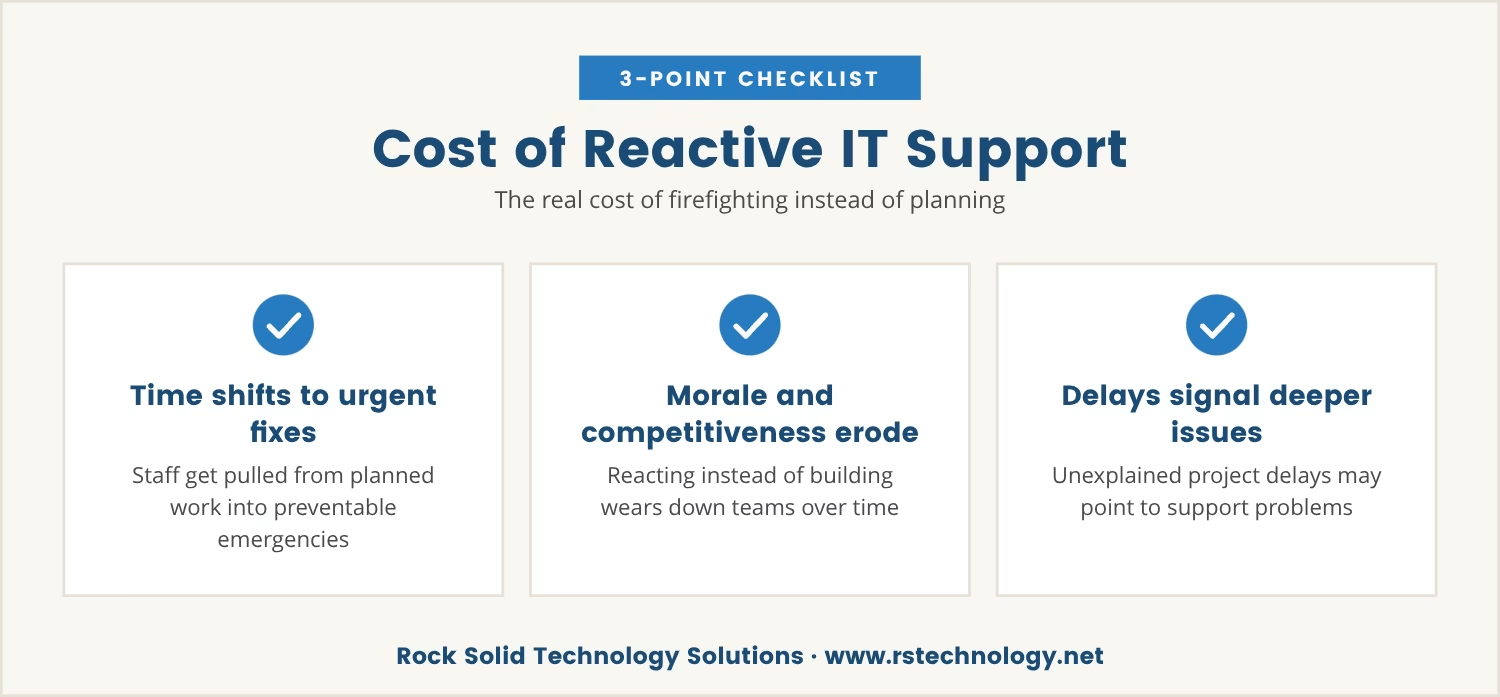
Thin help desk support doesn't just slow individual tickets - it reshapes how the entire IT team spends its time. Instead of working on planned upgrades or new systems, staff get pulled into urgent problems that better support would have prevented in the first place.
That firefighting pattern puts the whole technology roadmap at risk. Planned improvements get pushed aside, team energy goes to reacting rather than building, and over time morale erodes along with the ability to keep pace with competitors who invest in proactive support instead.
If a project keeps getting delayed for reasons that never quite add up, it's worth asking whether support issues are quietly eating into the team's time. The answer often points to a larger pattern in how the budget was built in the first place.
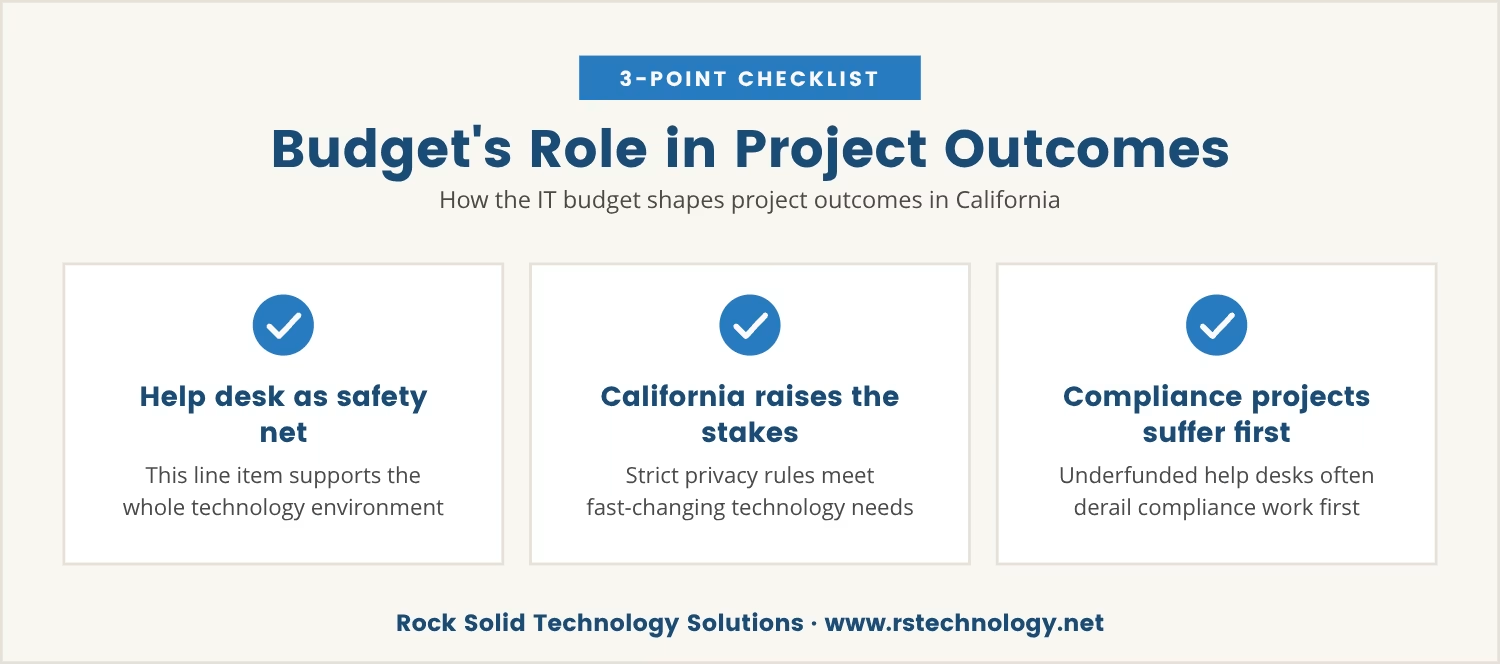
Every line item in an IT budget serves a purpose, but the help desk line works differently from the rest: it acts as the safety net for the entire technology environment. In California, where strict data privacy rules meet fast-changing tech needs, that safety net matters even more.
When the help desk goes underfunded, compliance projects are often the first casualties. A team midway through a cybersecurity upgrade that gets sidetracked by routine support requests can fall behind schedule, and that slippage can mean missing a regulatory deadline or failing an audit outright.
A well-balanced budget keeps support resources available exactly when they're needed most, which matters especially for businesses in cities like Thousand Oaks, Simi Valley, or Los Angeles, where competition and regulation both demand a high standard of IT performance.
A solid IT budget covers more than hardware and software, and how funds get allocated across its parts often decides whether projects succeed or stall. These are the components that tend to make the biggest difference:
This is the frontline for all user issues, and underfunding it leads to slowdowns across the board.
Strong security measures protect the business, but they depend on quick support whenever threats arise.
Keeping these current avoids compliance risks and the unexpected downtime that follows a lapse.
Reliable infrastructure backs every project, but only holds up with regular support and maintenance.
A recovery plan is only as good as the support team's ability to act on it quickly.
Outsourcing some support functions adds flexibility, but only when the agreement covers enough help desk capacity.
Underfunded support rarely announces itself directly, so the signs tend to show up sideways, in places that don't look like a support problem at first:
Spotting more than one of these at once is usually a sign that it's time to review how the help desk is funded and staffed.
Budget planning means more than listing expenses; it means making sure every part of the technology environment is ready to support the business goals riding on it. Treat support as an afterthought, and the whole process drifts from strategic to reactive.
A proactive approach starts by pricing out the real cost of delays and interruptions, since investing in help desk resources up front is what prevents the bigger problems that show up later. That shift in sequence is one of the clearest ways to align IT spending with business needs.
Businesses that build support into the core of their budget planning end up better prepared for growth and change, launching new projects with confidence instead of bracing for the team to get pulled away by avoidable issues.
A clear roadmap shows how each part of an IT budget supports the overall strategy behind it. Start by listing recurring expenses, including help desk, software, and managed services, then set benchmarks for response times and project delivery.
From there, review the budget quarterly to catch issues early. An audit of support tickets often reveals patterns worth acting on - certain problems resurfacing again and again is usually a signal to allocate more resources to the help desk or bring in a managed IT services provider.
Finally, bring leadership into the budgeting process itself. Once everyone sees how support affects business outcomes, the case for investing where it matters most becomes far easier to make.
Underfunding the help desk has a quiet multiplier effect: every other IT project becomes more expensive and less predictable, because the team keeps juggling urgent support needs against the work that was actually planned.
Over time, that juggling act derails business goals and makes competing harder. The cost isn't only measured in dollars - it shows up as lost momentum, missed opportunities, and projects that never reach their full potential.
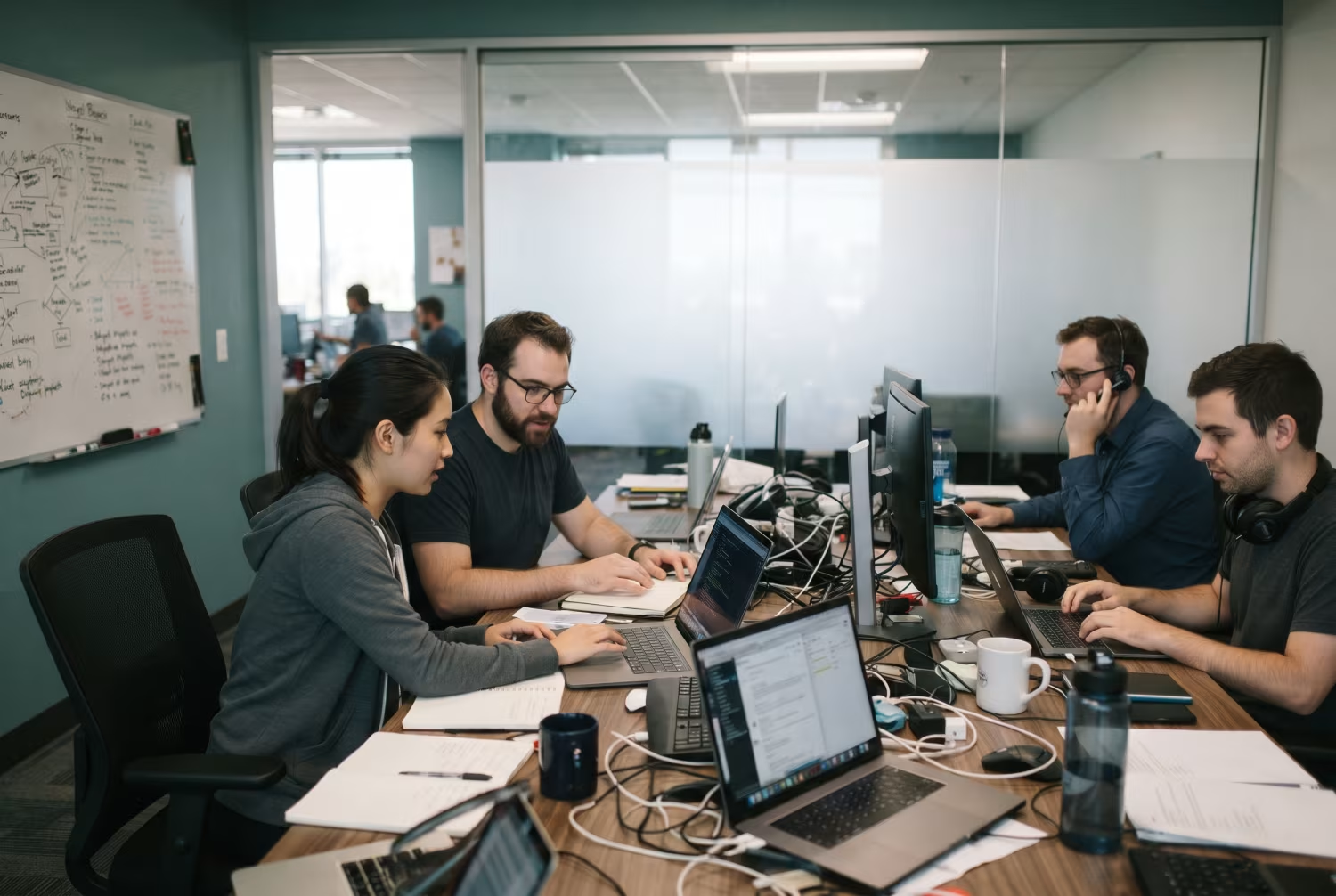
Many businesses with 15 to 70 users find themselves stuck when small support issues quietly slow down bigger projects. At Rock Solid Technology Solutions, we see how easily this happens when the help desk line is trimmed too far.
If you want to see how a different approach to IT support could keep your projects on track, we invite you to talk with us about your setup.
You can try our managed IT services with no long-term commitment—leave anytime we stop delivering, so you’re never locked in if support falls short.
Look for patterns like slow response times, repeated complaints from staff, or frequent project delays. An IT team spending more time on urgent fixes than planned work is usually a sign the help desk needs more resources.
Key components include help desk support, cybersecurity, software licenses, networking equipment, disaster recovery, and managed IT services. Each plays a role in keeping a business running smoothly while supporting new projects.
A quarterly review is a good practice, since it allows issues to surface early, unexpected expenses to get absorbed, and the budget to stay aligned with business goals.
In-house support means staff handle IT issues directly, while managed IT services hand some or all support functions to a third-party provider. The right choice depends on business size, needs, and budget.
A budget template organizes IT expenses in one place, making it easier to track spending, plan for upgrades, and avoid overlooking anything important. It also makes comparing actual costs against the plan, and adjusting from there, far simpler.

Dan Gross brings nearly 30 years of experience in technology integration, IT support, and cybersecurity. As the leader of Rock Solid Technology, he helps businesses leverage technology to improve operations, strengthen security, and solve complex IT challenges. He is also a sought-after IT conference speaker, sharing insights on technology, leadership, and business.